
Hands-On IP Camera Installation and PoE Networking Course
Course Description
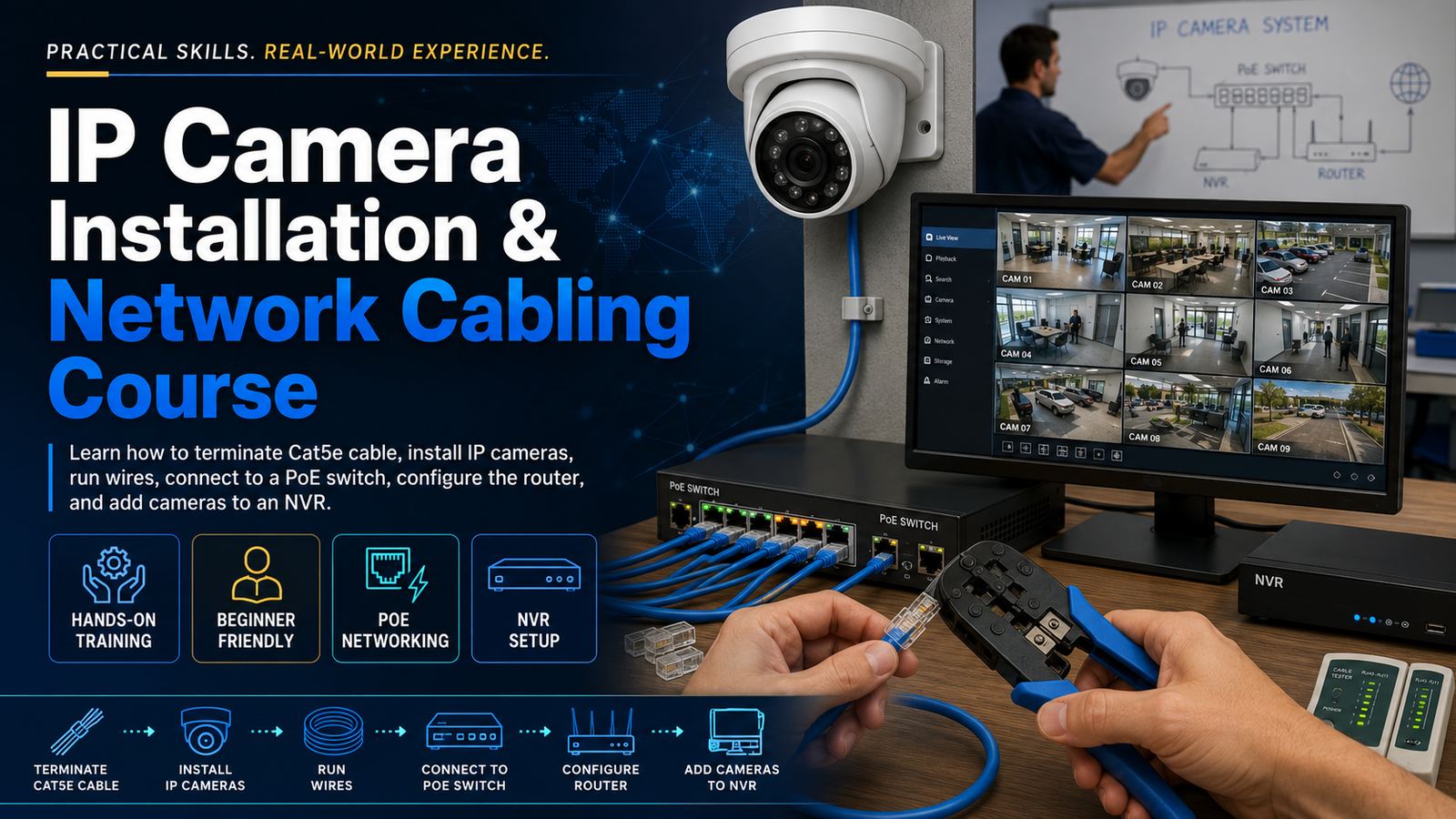
This hands-on course teaches students how to install and configure a complete IP surveillance camera system. Students will learn how to terminate Cat5e and Cat6 cable, run and support low-voltage wiring, install and aim IP cameras, connect cameras to a PoE switch, configure basic router and network settings, locate cameras using a scan tool, and add cameras to an NVR for live viewing and recording.
The course is designed for entry-level electronic security technicians, CCTV installers, interested in learning practical IP camera installation skills.
Course Objectives
Upon successful completion of this course, students will be able to:
- Identify the main components of an IP camera system.
- Explain how video, data, and power travel through an IP surveillance network.
- Plan camera locations and professional cable routes.
- Select the correct Cat5e or Cat6 cable for indoor and outdoor installations.
- Safely pull, support, protect, and label network cables.
- Terminate Ethernet cable using the T568B wiring standard.
- Install RJ45 connectors, keystone jacks, and patch-panel terminations.
- Test network cables for continuity, opens, shorts, reversals, miswires, and split pairs.
- Mount and properly aim indoor and outdoor IP cameras.
- Connect cameras to a PoE switch.
- Verify PoE requirements and calculate the available switch power budget.
- Understand IP addresses, subnet masks, gateways, DHCP, DNS, and static IP addresses.
- Identify the router’s local network settings.
- Assign unique IP addresses to cameras and the NVR.
- Locate and activate cameras using a network scan tool or manufacturer discovery utility.
- Change factory-default camera usernames and passwords.
- Add cameras to an NVR using automatic search and manual configuration.
- Use manufacturer protocols and ONVIF to connect compatible cameras.
- Configure camera names, resolution, frame rate, bitrate, and image settings.
- Configure continuous, scheduled, and motion-based recording.
- Verify live view, recording, playback, and video export.
- Complete professional installation documentation and a final system checklist.
- Final Exam